

An ai text remover is a tool designed to help you clean up unwanted content from your documents and make your writing better.
What Is an AI Text Remover?
An ai text remover is a tool powered by artificial intelligence that automatically finds and removes unwanted text from your writing. This could include noise like rewritten boilerplate text, duplicate sentences, repeated phrases, or text that does not belong.
These tools are smart they can understand context and help clean up your text while keeping the meaning intact.
How Does an AI Text Remover Work?
AI text removers use advanced language models to scan text, recognizing patterns, repeated or unnecessary content, and irrelevant parts. They highlight or automatically remove text based on set rules, often letting you choose what to keep or delete.
Behind the scenes, the AI analyzes structure, meaning, and flow, using language patterns to distinguish between noise and valuable content.
Key Features of an AI Text Remover
Not all tools are the same. Here are the features you should expect in a good ai text remover:
1. Context‑Aware Removal
The tool doesn’t just delete text it understands the meaning. It keeps important ideas intact and removes only what doesn’t add value.
2. Customization
You can set how strict or relaxed the removal should be. Want to remove only duplicate lines? Or also remove weak words? You choose.
3. Batch Processing
Some tools allow uploading multiple files at once. This is useful for editors working on several articles or documents at a time.
4. Preview Before Removal
A good AI text remover will show you suggested changes first. You can review before changes are final.
5. Multi‑Format Support
Supports text, Word files, PDFs, and more.
6. Real‑Time Feedback
Some tools work like writing assistants showing suggestions as you type.
Read Also: Best Top 5 AI Fanfic Writers & Their Features
Use Cases
The ai text remover is helpful in many real situations. Below are some common use cases.
1. Blogging and Content Writing
Bloggers often write long drafts and need to trim excess text. AI text removers help spot weak sections.
2. Academic Writing
Students and teachers can remove repeated phrases or irrelevant parts from research papers and essays.
3. Business Documents
Proposals, reports, and presentations often contain filler text. Removing unnecessary content improves clarity.
4. Editing Imported Text
When copying text from websites or PDFs, extra codes and unwanted parts come along. AI text removers clean these.
5. Email Cleanup
Long emails with repeated information can be trimmed automatically for clear communication.
6. SEO Optimization
Search engine optimization improves when your content is direct, clear, and has no unnecessary text. An AI text remover helps writers create optimized content faster.
How to Use an AI Text Remover (Step‑by‑Step)
Here’s a simple guide to using an ai text remover:
Open the Tool Visit the website or open the app.
Paste Your Text Copy the content you want cleaned.
Set Your Rules Choose the level of removal (strict or mild).
Run AI Let the tool analyze your text.
Review Suggestions Read what the AI wants to remove.
Apply Changes Keep or remove based on suggestions.
Download or Export Save the cleaned text.
Pros and Cons
Pros | Cons |
|---|---|
Saves time Quickly cleans unwanted text much faster than manual editing. | Not always perfect May remove text that is actually important if context is misread. |
Improves clarity Helps make writing clearer and easier to read. | Requires review You must check edits carefully to avoid losing meaning. |
Reduces repetition Finds and cuts duplicated or similar sentences. | Not ideal for creative writing Can weaken style in artistic or highly expressive texts. |
Useful for many document types Works with essays, articles, reports, and imported text. | Learning curve Some tools need time to understand settings and controls. |
Consistent results Applies the same rules across content. | May miss subtle context Might not catch nuanced wording that should be removed. |
Supports multi‑format text Accepts different file types like .docx, PDFs. | Limited by tool quality Some removers are better than others, affecting accuracy. |
Helps with SEO optimization Streamlined content improves readability signals. | Not a standalone editor Best used with grammar/style tools for final polish. |
Top 5 Best AI Text Remover Alternatives
If you want choices, here are the best tools that act as ai text remover alternatives. Each one helps clean text but also offers additional features.
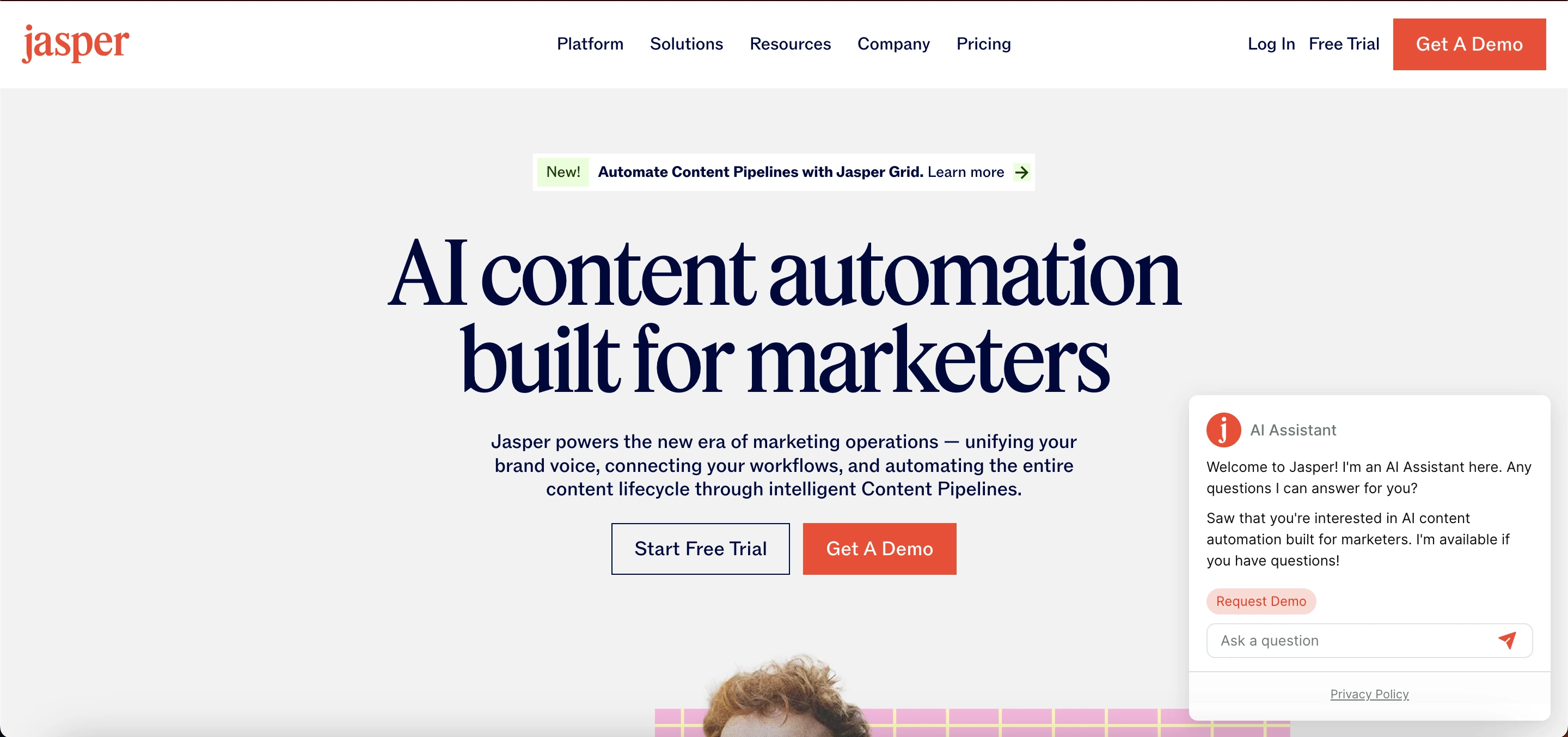
1. Jasper AI
Jasper AI is an AI-powered content writing platform that helps users create high-quality blog posts, marketing copy, social media content, and more quickly. It uses advanced AI to generate human-like text, streamline content creation, and boost productivity for marketers, writers, and businesses.
Key Features
Jasper AI offers AI-powered writing and editing to help users create content efficiently.
It provides tools for content cleanup and rewriting, ensuring your text is clear and polished.
Users can adjust the tone of their writing to match their brand voice or audience.
Jasper AI also includes grammar and style checks to improve readability and accuracy.
Use Cases
Jasper AI is ideal for blogging, helping writers generate engaging and informative articles quickly.
It can create compelling marketing copy for ads, emails, and promotional campaigns.
The platform is also useful for crafting social media text, making posts more engaging and on-brand.
Pros and Cons
Pros | Cons |
|---|---|
Easy to use, making it accessible for beginners and professionals alike. | More expensive than simple text-cleaning tools. |
Helps improve overall writing by enhancing clarity, grammar, and style. | Not focused solely on content removal or simplification. |
Offers a wide variety of templates to speed up content creation. | - |
2. Grammarly
Grammarly is an AI-powered writing assistant that helps users improve their writing by checking grammar, spelling, punctuation, clarity, and tone. It is widely used by students, professionals, and writers to create polished, error-free, and effective content across emails, documents, and online platforms.
Key Features
The tool provides grammar and spell check to ensure your writing is error-free.
It offers clarity and readability suggestions to make your content easier to understand.
Redundancy detection helps identify and remove repetitive words or phrases.
Users can make tone adjustments to match the desired style or audience.
Use Cases
Grammarly is ideal for writing emails, helping users communicate clearly and professionally.
It assists in creating well-structured articles, ensuring content is polished and engaging.
The tool is also useful for academic papers, helping students and researchers maintain proper grammar, clarity, and formal tone.
Pros and Cons
Pros | Cons |
|---|---|
Provides highly accurate grammar, spelling, and punctuation checks. | May not remove complex or unwanted content effectively. |
Offers easy-to-understand suggestions to improve writing quickly. | Focuses more on editing and improving text rather than content removal. |
Works seamlessly across browsers, apps, and documents for convenience. | - |
3. QuillBot
QuillBot is an AI-powered writing and paraphrasing tool that helps users rephrase, refine, and enhance their content. It assists with improving clarity, tone, and readability, making it ideal for students, writers, and professionals looking to create polished and original text quickly.
Key Features
QuillBot functions as a paraphrasing tool, helping users reword sentences and paragraphs while retaining the original meaning.
It includes a grammar checker to correct errors and improve writing accuracy.
The platform offers a summarizer that condenses long texts into concise, easy-to-read versions.
QuillBot also provides a keyword remover to eliminate unnecessary or repetitive words for cleaner content.
Use Cases
QuillBot is ideal for content rewriting, allowing users to create fresh versions of existing text quickly.
It helps in summarizing long text, condensing articles, reports, or documents into concise and clear summaries.
The tool is also useful for editing imported text, improving grammar, clarity, and overall readability.
Pros and Cons
Pros | Cons |
|---|---|
Simple and user-friendly interface, making it easy to use for anyone. | Removal suggestions may require careful review to ensure accuracy. |
Excellent for rewriting and summarizing content efficiently. | Not a dedicated content remover, so some unwanted text may remain. |
Helps reduce word count while maintaining clarity and meaning. | - |
4. ProWritingAid
ProWritingAid is an AI-powered writing assistant that helps users improve grammar, style, and readability while offering in-depth writing reports. It is designed for authors, students, and professionals to refine their content, enhance clarity, and maintain a consistent tone across documents.
Key Features
ProWritingAid provides detailed writing reports that analyze your text for grammar, style, and readability improvements.
It offers repetition and redundancy checks to help eliminate unnecessary or repetitive words and phrases.
The tool suggests style improvements to make your writing more polished and engaging.
Users can get guidance on sentence structure, ensuring their writing is clear, varied, and easy to read.
Use Cases
ProWritingAid is ideal for fiction and non‑fiction writing, helping authors refine their storytelling and maintain consistency.
It is useful for long reports, providing tools to improve clarity, structure, and readability in extended documents.
The platform also supports professional content, ensuring emails, presentations, and business writing are polished and error-free.
Pros and Cons
Pros | Cons |
|---|---|
Provides deep insights into writing quality, including grammar, style, and readability. | The interface can feel complex, especially for new users. |
Helps identify and reduce unwanted or redundant text for clearer writing. | Requires some learning time to use all features effectively. |
5. Hemingway Editor
Hemingway Editor is a writing tool designed to improve readability and clarity by highlighting complex sentences, passive voice, and hard-to-read passages. It helps writers simplify their text, making content more concise, engaging, and easy to understand for readers.
Key features
Hemingway Editor highlights long and complex sentences, helping writers make their text clearer and more concise.
It identifies passive voice and weak wording, allowing users to strengthen their writing.
The tool helps simplify text, making content easier to read and more engaging for the audience.
Use Cases
Hemingway Editor is perfect for blog posts, helping writers create content that is clear, concise, and easy for readers to understand.
It is useful for short stories, enhancing readability and making narrative flow smoother.
The tool also supports marketing content, ensuring messages are sharp, engaging, and impactful.
Pros and Cons
Pros | Cons |
|---|---|
Very simple and clean interface, making it easy to use for writers of all levels. | Not a full AI-based content remover, so some unwanted text may remain. |
Helps make text clear, concise, and highly readable. | Offers limited automation compared to AI-powered writing tools. |
Comparing Top AI Text Remover Alternatives
Tool | Best for | Strength | Weakness |
|---|---|---|---|
Jasper AI | Full content creation | All‑in‑one | Costly |
Grammarly | Editing & cleanup | Accuracy | Not a pure remover |
QuillBot | Paraphrasing | Summarizing | Removal needs review |
ProWritingAid | Professional writing | Deep reports | Harder to learn |
Hemingway Editor | Simple clarity | Easy to use | Not full AI remover |
Final Thoughts
AI text removers are valuable for anyone working with written content, helping clean up unnecessary text, improve clarity, and save time. They’re useful for blogs, academic work, business documents, emails, and social media posts.
While powerful, these tools aren’t perfect always review the output and adjust as needed. Using the top alternatives mentioned above can provide extra features beyond simple text removal.
Focusing on clear, relevant, and well-structured text will make your writing more effective and engaging.
Frequently Asked Questions (FAQs)
What is an AI text remover?
An AI text remover is a tool that uses artificial intelligence to automatically detect and remove unwanted, repetitive, or irrelevant text from documents, emails, articles, or other written content.
How does an AI text remover work?
It analyzes the text using AI algorithms to identify repeated phrases, unnecessary words, or irrelevant content. Some tools allow you to preview suggested deletions before removing them permanently.
Can AI text remover delete important content by mistake?
Yes, while AI tools are smart, they can occasionally remove text that is important. It’s recommended to always review the changes before finalizing the edits.
What types of documents can AI text removers handle?
Most tools support text files, Word documents, PDFs, emails, and sometimes even web content. Check the tool’s specifications before using.