

Openfuture.ai scispace an AI-based research assistant that helps people read, understand, and use scientific literature more effectively. Whether you’re a student, researcher, academic, or professional working with research papers, this article covers everything you need to know about openfuture.ai scispace.
What is OpenFuture.ai Scispace?
Openfuture.ai Scispace is an AI-powered research assistant built to help users decode and interact with scientific literature in a faster, simpler way. It functions as a supportive tool for exploring research papers, generating summaries, extracting relevant information, and providing explanations for complex scientific text.
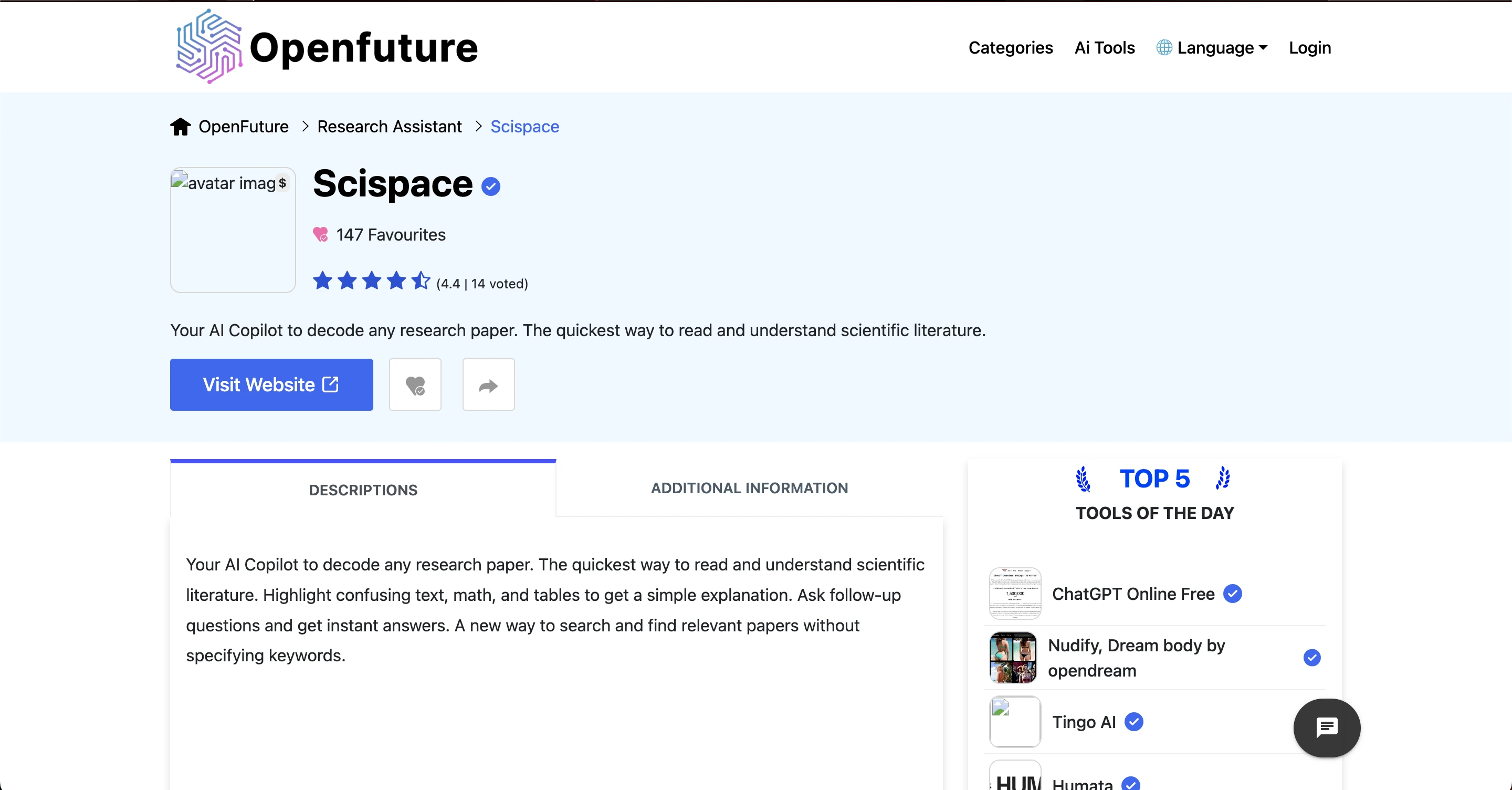 At its core, openfuture.ai scispace acts like a digital helper that can read research papers for you and offer answers to questions about the content. This saves researchers time and lets them focus more on analysis, writing, and discovery.
How OpenFuture.ai Scispace Works
It works in a straightforward and intuitive way. Users can either upload research papers or enter search queries, and the platform leverages AI to interpret and summarize the content. It enables users to highlight specific sections of text including complex formulas, tables, or technical passages and receive explanations in simple, easy-to-understand language.
Key features include AI Copilot responses, which allow users to ask follow-up questions and get instant clarifications; the Highlight and Explain tool, which provides human-readable summaries for confusing text or mathematical expressions; and Relevant Paper Discovery, which automatically finds related research articles without relying on traditional keyword searches.
These capabilities make openfuture.ai scispace especially valuable for in-depth research, literature reviews, and understanding complex scientific content efficiently.
How to Get Started
Starting with openfuture.ai scispace is simple and quick:
Sign Up: Visit the official website and register using your email, Google, or Microsoft account.
Access the Dashboard: Explore options like Upload Paper, Search Papers, and Chat with AI. Check usage credits and saved papers.
Upload or Search Papers: Upload PDFs or search by keywords, topics, or authors. The AI scans your paper for interaction.
Highlight & Ask Questions: Highlight text, tables, or equations and ask the AI for explanations or summaries. Follow-up questions are supported.
Summarize & Cite: Generate concise summaries and create citations in APA, MLA, or Chicago formats. Save them for your research.
Organize Research: Use collections to store notes, highlights, and papers for easy access.
With these steps, you can quickly start using openfuture.ai scispace to read, understand, and organize scientific papers efficiently.
Key Features
Understanding the major features of openfuture.ai scispace can help you see how it supports research workflows. Below are some of the most useful capabilities:
1. AI‑Powered Paper Interpretation
The heart of openfuture.ai scispace is its AI assistant, which helps decode academic text, tables, and math into simpler explanations. This makes challenging research easier to understand, even for non‑experts.
2. Interactive Text Highlighting
Users can highlight parts of a paper sentences, equations, or tables and receive a simplified explanation or summary right away.
3. Smart Literature Search
Instead of only searching with exact keywords, openfuture.ai scispace finds related and relevant research based on context, helping you discover important papers you might have missed.
4. Citation and Reference Assistance
The tool can generate citations and show related research, which is useful when writing academic papers or conducting literature reviews.
5. Chat with PDFs
You can upload or search research PDFs and then ask questions about them and the AI gives answers extracted from that text.
6. Summary and Paraphrasing Tools
openfuture.ai scispace helps you quickly summarize lengthy research papers, saving time when reviewing many articles.
Read Also: Openfuture.ai Opendream: Features & Uses
Supported File Formats
It supports a range of file formats to make research analysis simple and convenient. Users can upload PDF documents, which are the most common format for research papers, and interact with them directly within the platform.
In addition to PDFs, the tool is compatible with Word documents (DOCX) and other standard text files, allowing flexibility for different types of academic or professional content.
This compatibility ensures that whether you have downloaded papers from journals, received documents from colleagues, or created your own drafts, you can easily upload and analyze them using openfuture.ai scispace without needing additional conversions or tools.
Use Cases
openfuture.ai scispace is valuable across different scenarios. Below are common ways this AI tool is used:
1. Academic Research
Researchers can use openfuture.ai scispace to streamline literature reviews, understand papers faster, and collect citations without manually combing through hundreds of documents.
2. Student Projects and Assignments
Students working on academic projects can use the tool to simplify complex text, extract summaries, and gather sources for essays or final reports.
3. Scientific Writing
When drafting research articles or thesis papers, openfuture.ai scispace assists with writing support, references, and paraphrasing suggestions.
4. Literature Reviews
If your task involves reviewing dozens of academic papers, openfuture.ai scispace can cut review time drastically by identifying key insights and suggesting related work.
5. Cross‑Disciplinary Research
Researchers exploring unfamiliar fields can use openfuture.ai scispace to navigate literature and understand concepts outside their main expertise.
Pros and Cons
Pros | Cons |
|---|---|
AI-powered explanations simplify complex scientific content | AI summaries may occasionally miss details or provide inaccuracies |
Saves significant time in reading and understanding research papers | Usage-based credit system can run out quickly during intensive tasks |
Smart literature search helps discover related research efficiently | Not a replacement for deep human understanding and critical thinking |
Allows highlighting and interactive explanations of text, tables, and formulas | Some advanced features require paid subscriptions |
Generates citations and assists with academic writing | Learning curve for first-time users to use all features effectively |
Free plan available for basic research needs | Occasional dependency on internet connection for full functionality |
Supports students, researchers, and professionals | Limited offline functionality for PDFs or large datasets |
Tips for Using OpenFuture.ai Scispace Effectively
To use it effectively, start by asking clear and focused questions. Well-defined queries help the platform provide precise answers and prevent unnecessary use of credits on broad or vague searches. It’s also important to verify critical information, especially when using AI-generated summaries or suggestions for academic work, by cross-checking key facts with the original sources.
Make the most of the Highlighting feature by selecting only the most relevant sections of text, formulas, or tables to receive targeted and accurate explanations. Additionally, develop the habit of saving key papers or research findings within the platform so you can easily access them for future reference. Following these tips ensures a more efficient and productive experience with openfuture.ai scispace.
Integration with Other Tools
It seamlessly integrates with a variety of research and productivity tools to help streamline your workflow. Users can easily export citations to popular reference managers like Zotero, Mendeley, or EndNote, making it simple to organize and format references.
The platform is fully compatible with standard PDF files, allowing smooth uploads, annotations, and interaction with research documents. For collaborative projects, summaries and notes can be shared with team members through cloud storage or other collaboration platforms.
Additionally, openfuture.ai scispace complements searches on academic databases such as Google Scholar and PubMed, providing AI-generated summaries and insights that enhance your research efficiency. These integrations make it easier to combine AI-assisted analysis with your existing tools, saving time and improving overall productivity.
Conclusion
openfuture.ai scispace is a powerful AI research assistant designed to help users make sense of scientific papers with less effort and more speed.
From summarizing complex research to generating citations and helping with literature reviews, it covers many tasks that would otherwise take hours to complete manually. With both free and paid versions available, it’s accessible for students and professionals alike.
While it’s important to be aware of limitations like credit usage and occasional inaccuracies, openfuture.ai scispace can be a valuable tool in your research workflow especially when combined with careful verification and personal insight.
By learning how openfuture.ai scispace works and how to use its features effectively, you can enhance your productivity, deepen your understanding of scientific literature, and make more informed research decisions.
Frequently Asked Questions (FAQs)
What is openfuture.ai scispace?
openfuture.ai scispace is an AI-powered research assistant that helps users read, understand, summarize, and analyze scientific papers more efficiently.
Who can use openfuture.ai scispace?
It is suitable for students, researchers, academics, and professionals who work with scientific literature. Both beginners and advanced users can benefit from its features.
Can openfuture.ai scispace summarize research papers?
Yes, the platform can summarize research papers, highlight key points, and explain complex text or equations in simple language.
Is openfuture.ai scispace free to use?
Yes, there is a free plan with basic features. Paid plans provide access to advanced capabilities like unlimited searches and AI Copilot responses.
How accurate are the AI-generated summaries?
While the AI is generally helpful, summaries and explanations may occasionally miss precise details. Always verify with the original research papers.